I Ignored Security for Months Building My SaaS. Here Is What I Found When I Finally Looked.
- Focus
- Founder Story
- Risk
- High
- Stack
- Supabase Security
- Detection
- Ubserve Runtime Simulation
A founder's honest account of shipping a Supabase and Next.js app without thinking about security once — and what a scan revealed the day before launch.
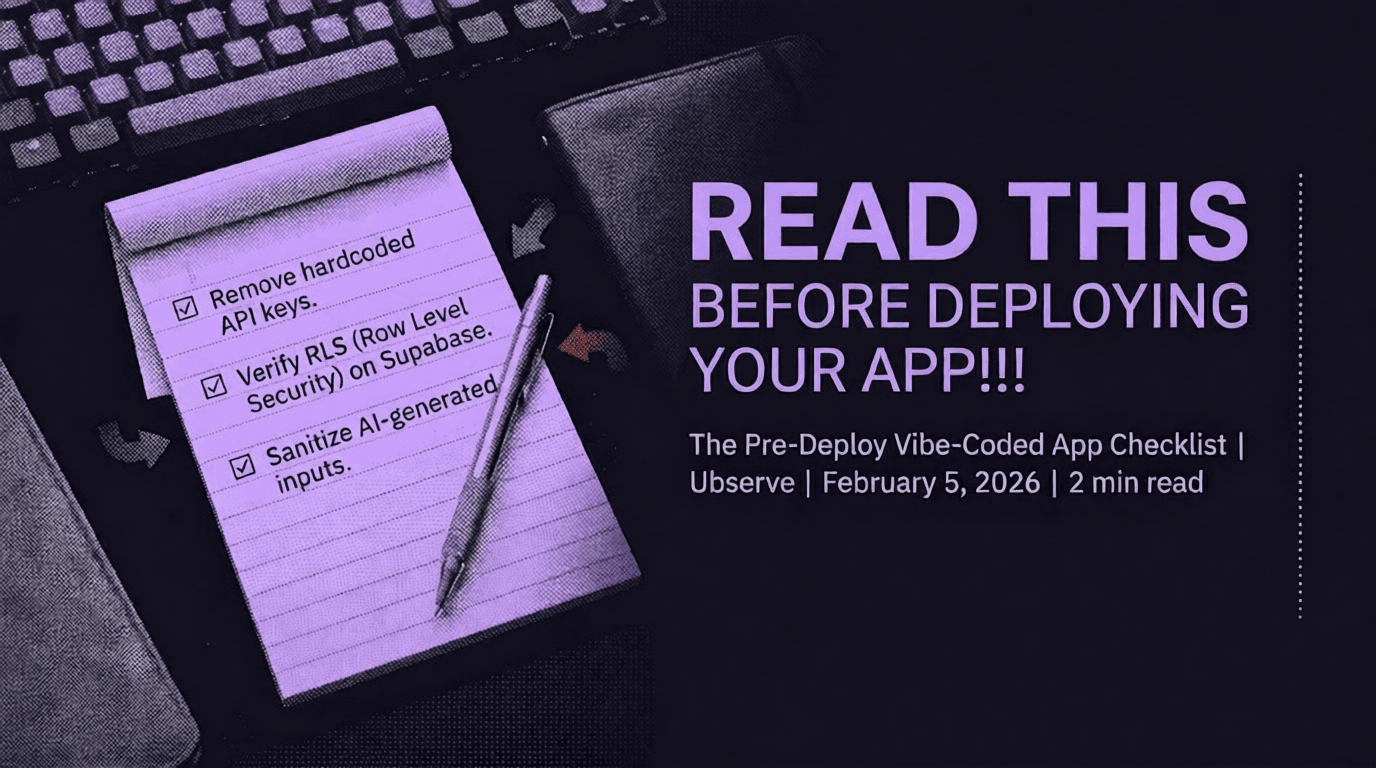
I was deep in product. Auth worked, payments worked, the demo looked clean. Security was something I kept telling myself I'd get to. Then I actually looked.




Secure your vibe-coded app with Ubserve
- ✓Takes less than 60 seconds
- ✓100+ security checks run through your app
- ✓Plain English explanations for each issue
- ✓AI fix prompts for every issue
The night before I was going to share my app with my first beta users, I decided to run a security scan. Not because I was disciplined. Because someone in a Slack community I was in mentioned their Stripe key had been scraped from their frontend bundle and used to rack up $4,000 in charges overnight.
That post sat in the back of my head for two weeks. The night before launch it finally surfaced.
What I Had Been Telling Myself
I had been building with Lovable and Supabase for about three months. The app worked. Users could sign up, create projects, invite teammates, and get results. I had tested every flow. Nothing was broken.
Security, I told myself, was something I would get to after I had users. The logic felt reasonable at the time. Why harden something nobody is using yet?
The logic is wrong. Here is why.
Attackers do not wait for your launch announcement. Scrapers that look for exposed API key patterns in public JavaScript bundles run continuously. They do not care that you only have three beta users. The moment your app is on a public URL, your frontend is being indexed.
GitGuardian's 2024 State of Secrets Sprawl report found over 12.8 million secrets exposed in public GitHub repositories in a single year. The pattern in AI-built apps is the same — keys get committed, pushed, and exposed before the founder ever thinks to check.
What the Scan Actually Found
I will not dress this up. The scan found three things I did not know were there.
An exposed Supabase anon key in my frontend bundle. I knew Supabase anon keys were technically "safe" to expose — that is what the docs say. What I did not know was that my RLS policies were incomplete. Two tables had RLS enabled but no policies actually written. RLS enabled with no policies defaults to denying everything for logged-in users but the key could still be used to probe my schema.
A missing Content Security Policy header. Lovable had not generated one. I had not added one. This left my app open to certain classes of XSS injection that a CSP would have blocked at the browser level.
An API route with no authentication check. I had a /api/export endpoint I had built early in the project and forgotten about. It returned a user's full project data. There was no session check on it. Anyone with the URL could call it.
None of these caused visible bugs in testing. All of them would have been real problems with real users on the app.
Why AI Tools Create This Gap
This is not a criticism of Lovable, Cursor, or Bolt. I use them every day and they make me dramatically faster. But they are optimized to produce working code, and working code is not the same as secure code.
When I asked Lovable to build my export feature, it built it. The route worked. It returned the right data. What it did not do was stop and ask whether the route should require authentication, because that is not the question I asked.
The AI does not know your threat model. It does not know who should and should not be able to call your endpoints. That context lives in your head, and AI tools cannot read your head.
The security layer has always been the founder's responsibility. AI tools just made it easier to forget that, because everything else looks so finished.
What I Changed Before Launch
The export endpoint got a session check in about four minutes. The CSP header took a bit longer — I had to understand what sources my app was loading from before I could write a policy that did not break anything.
The RLS situation required me to sit down with my Supabase dashboard and actually write policies for every table. That took an afternoon. It was not fun. It was necessary.
I shipped the next morning. Not with a perfect security posture — I do not think that exists — but with the obvious holes closed.
The Habit I Have Now
Before every deploy, I run a scan. It takes 60 seconds. The cost of the habit is 60 seconds. The cost of skipping the habit one time, on the wrong deploy, is something I do not want to find out.
If you are building with AI tools and you have not run a security check on your app, go do it now. Not after you have users. Now.
About the author

I'm Samuel, known online as Mr. Ballaz. I build Ubserve, a security scanner for apps built with AI tools like Cursor, Bolt, Lovable, and Supabase. Before Ubserve, I did manual security audits by hand — checking auth, exposed keys, and RLS policies one by one. Ubserve is that manual audit, automated, running in under 60 seconds instead of days.